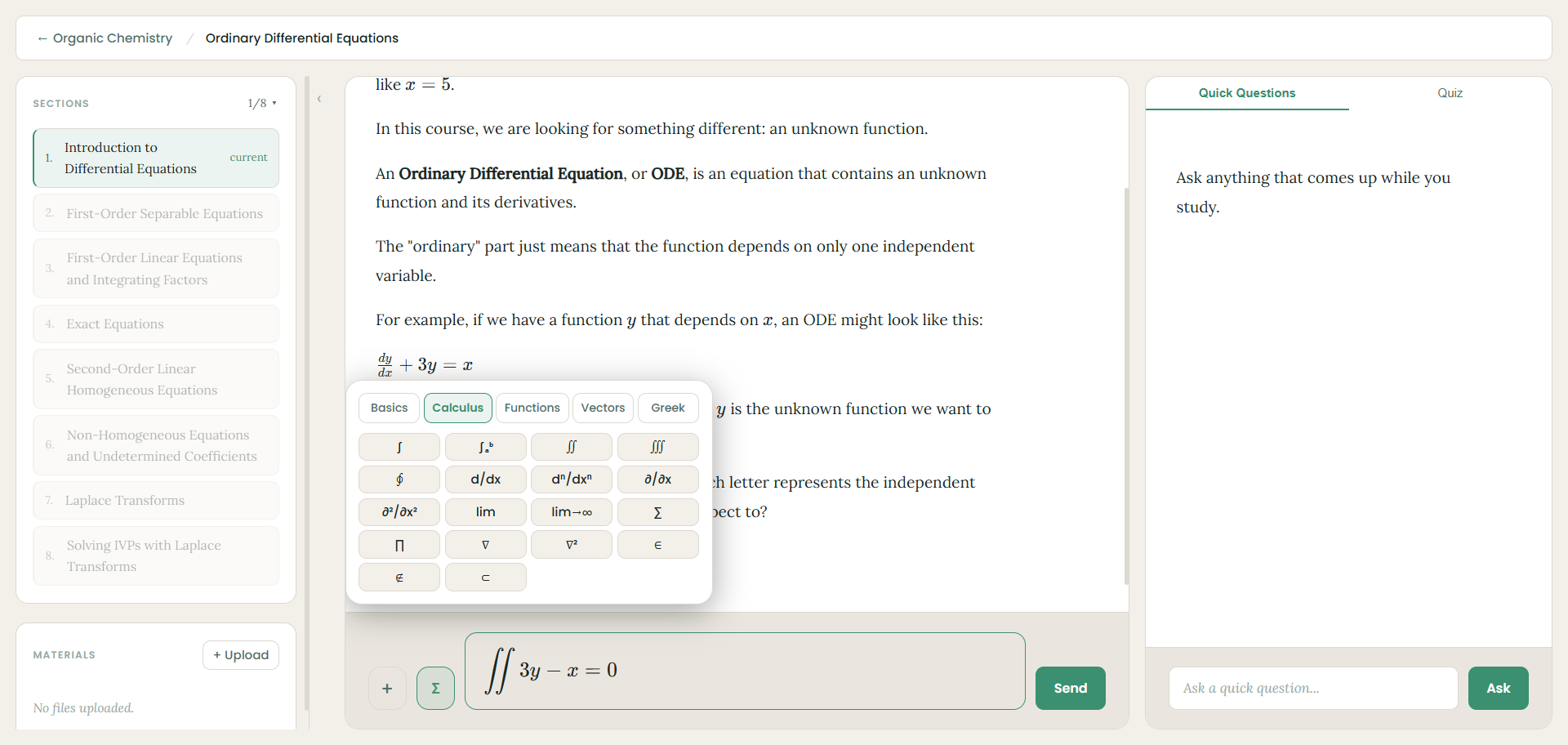
Create your first course
Your dashboard is home base. When you're starting out it's empty — just click + Create a course to begin.
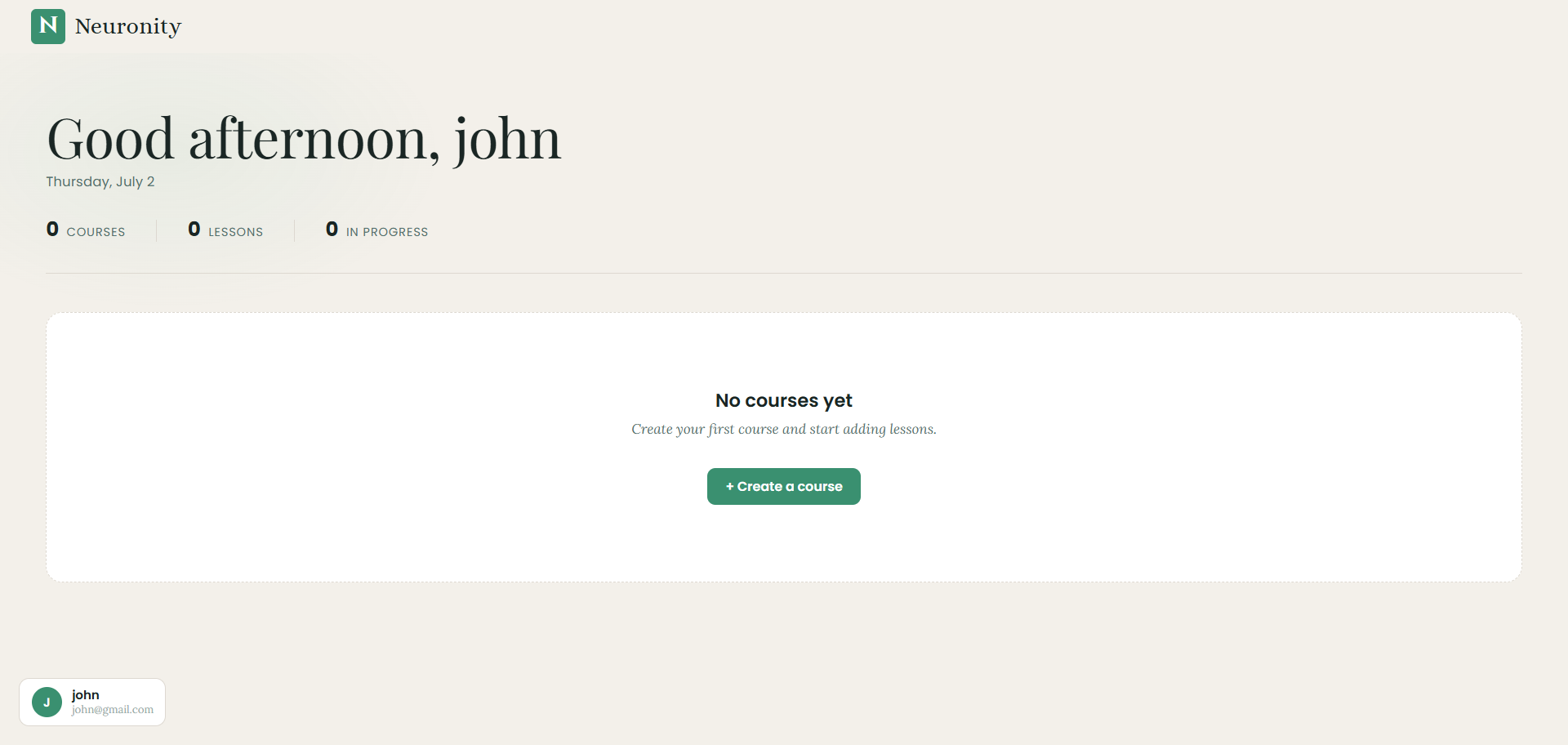
Name your course
Give it a title for whatever you're studying — like Organic Chemistry — and hit Create.
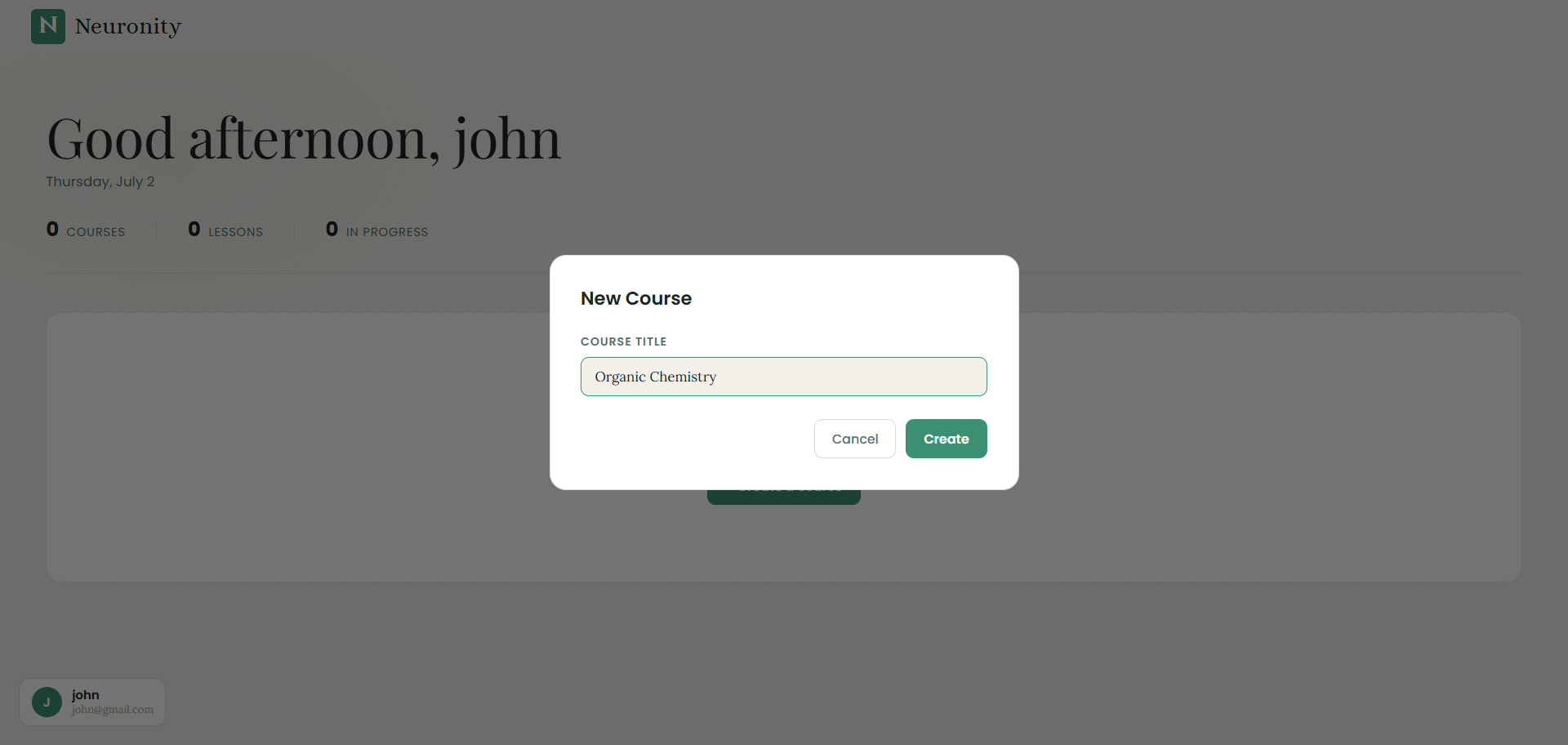
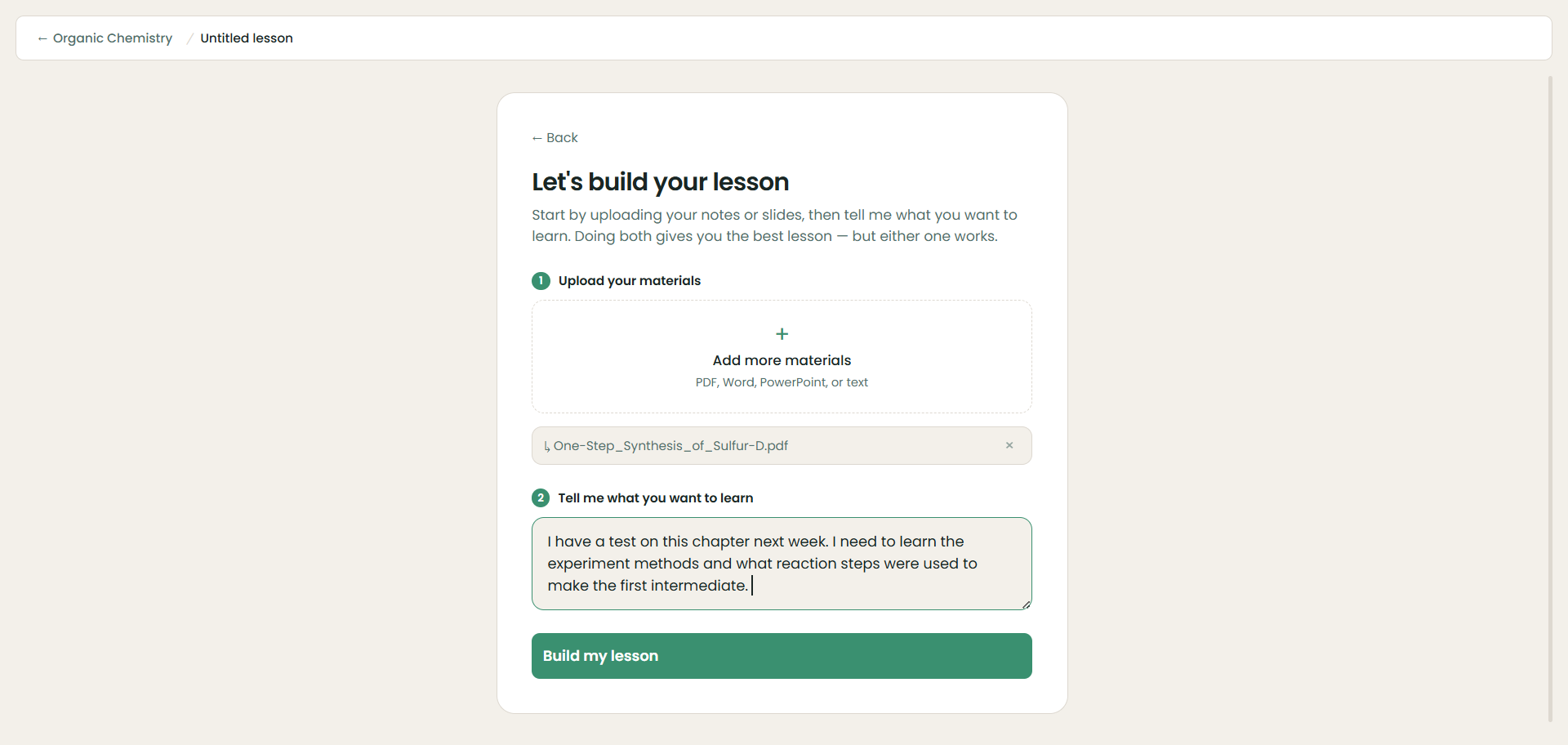
Add your materials and your goal
Upload your notes or slides (PDF, Word, PowerPoint, or text) and tell Neuronity what you want to learn. Doing both gives the best lesson — but either one works.
Build your lesson
Once your file is attached and your goal is written, the Build my lesson button lights up. Click it to go.
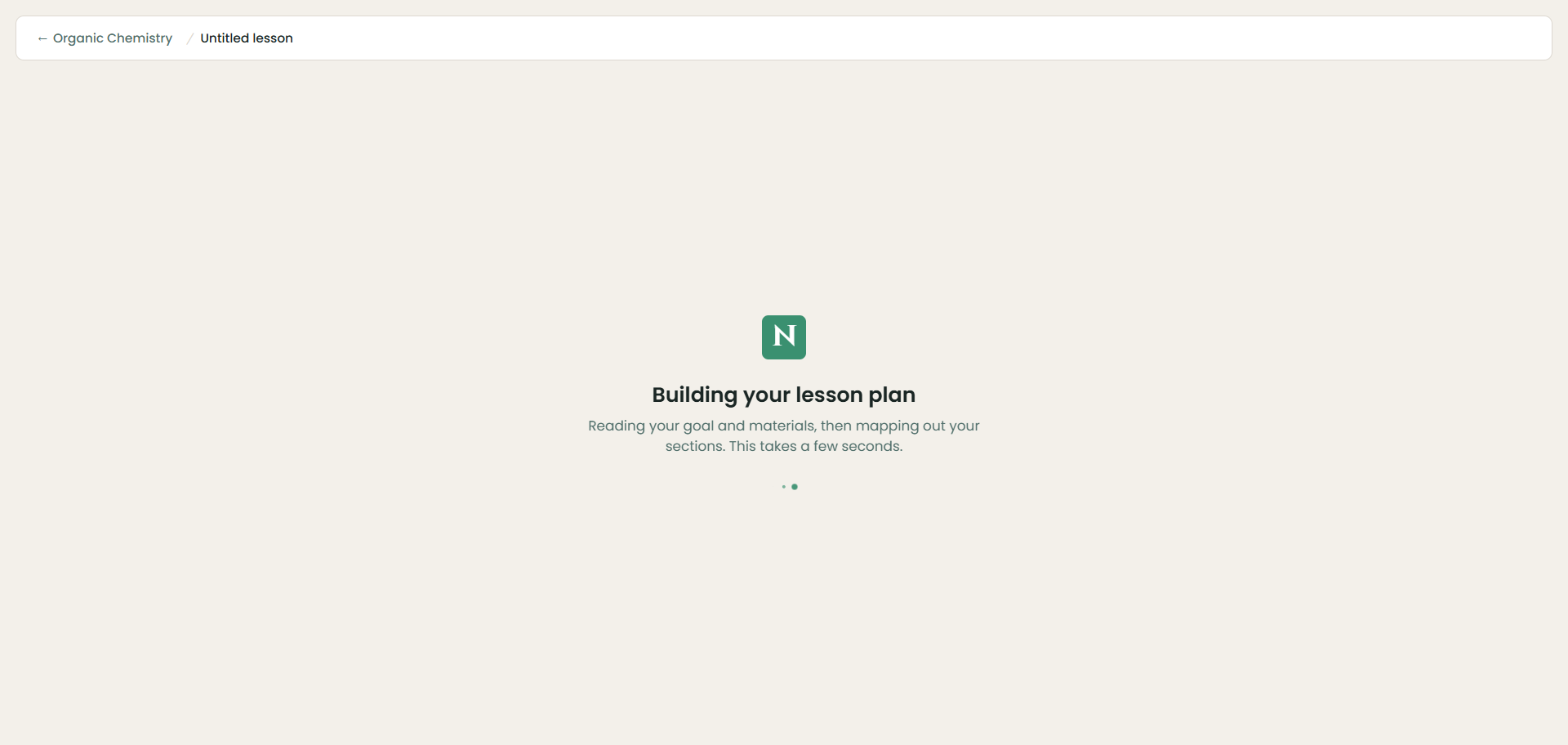
Neuronity maps out your plan
It reads your goal and materials, then organizes everything into clear sections. This takes just a few seconds.
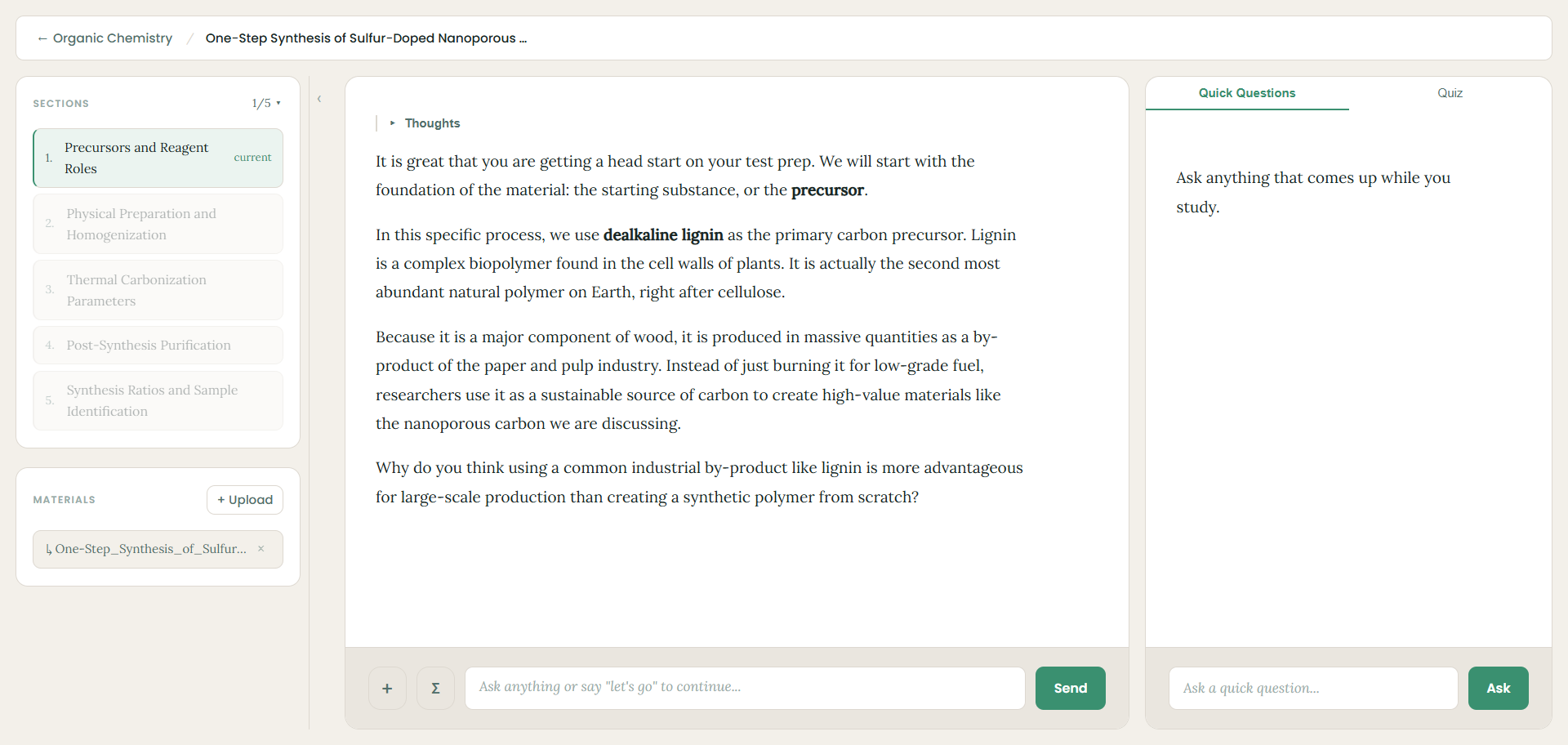
Learn with your personal tutor
Work through your sections one at a time. The tutor explains each idea in plain language and checks in as you go, so you're never just reading at a wall of text.
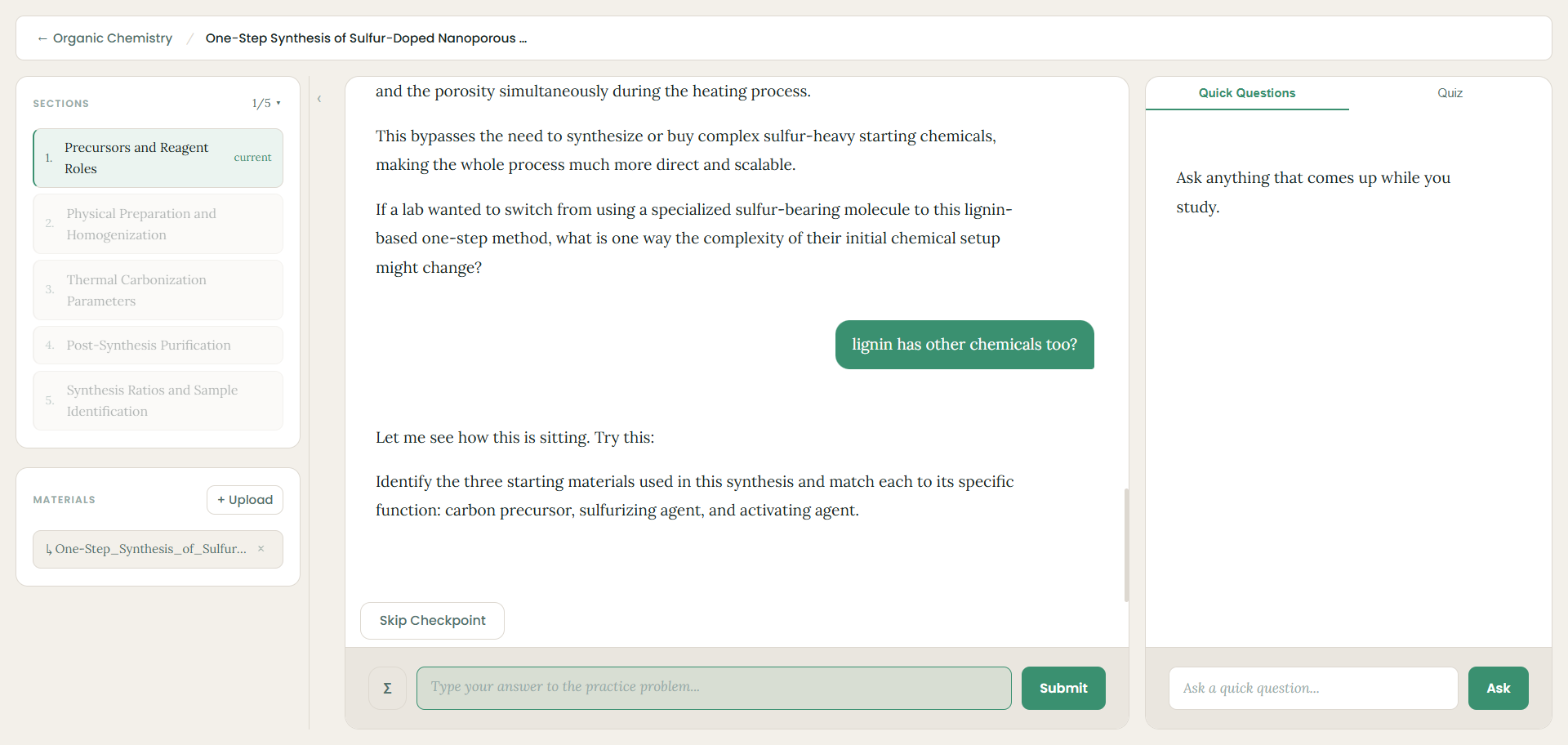
Practice at checkpoints
Along the way you'll hit checkpoints with practice problems to lock in what you learned. Answer them, or skip ahead if you're ready.
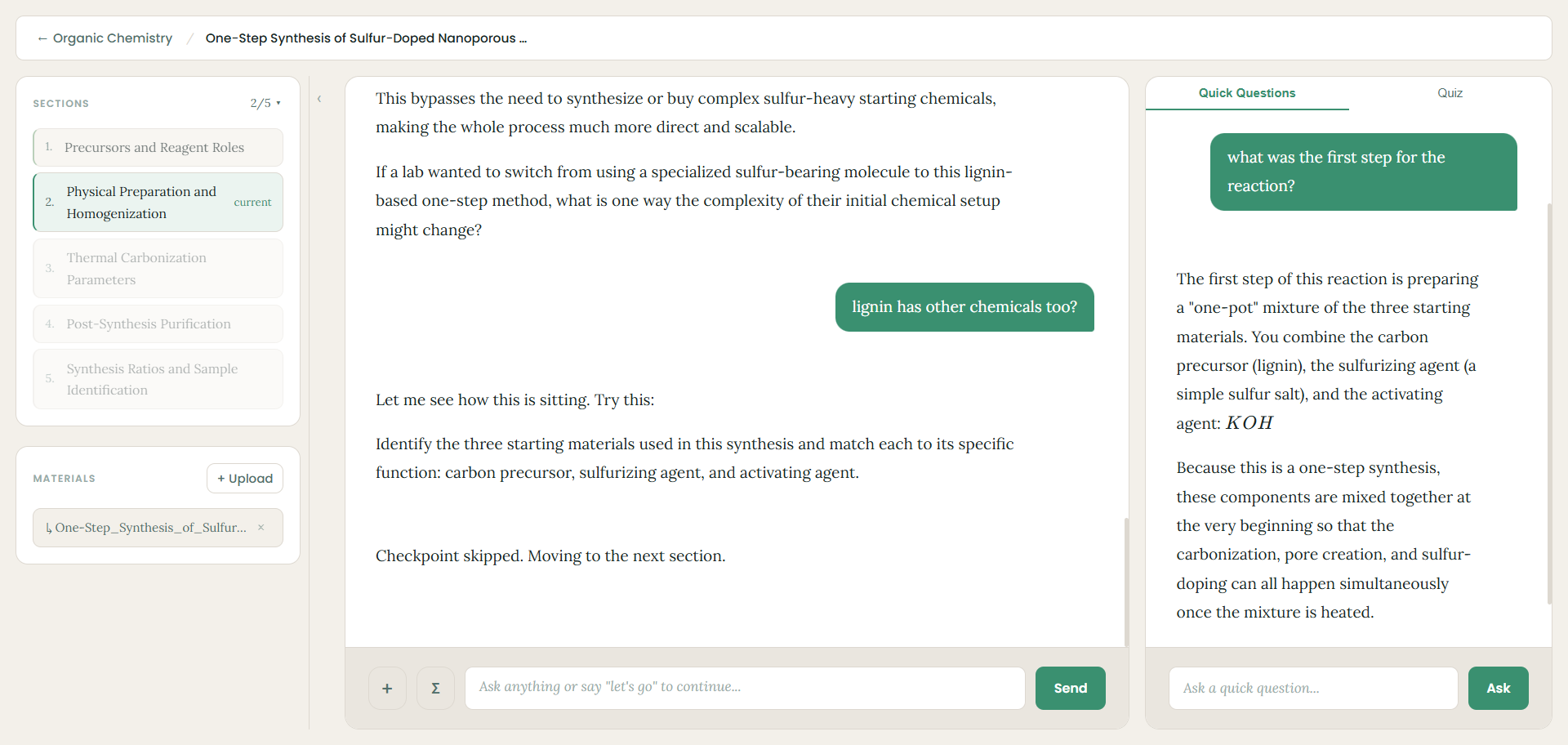
Ask quick questions anytime
Something not clicking? Use the Quick Questions panel to ask on the side without losing your place in the lesson.
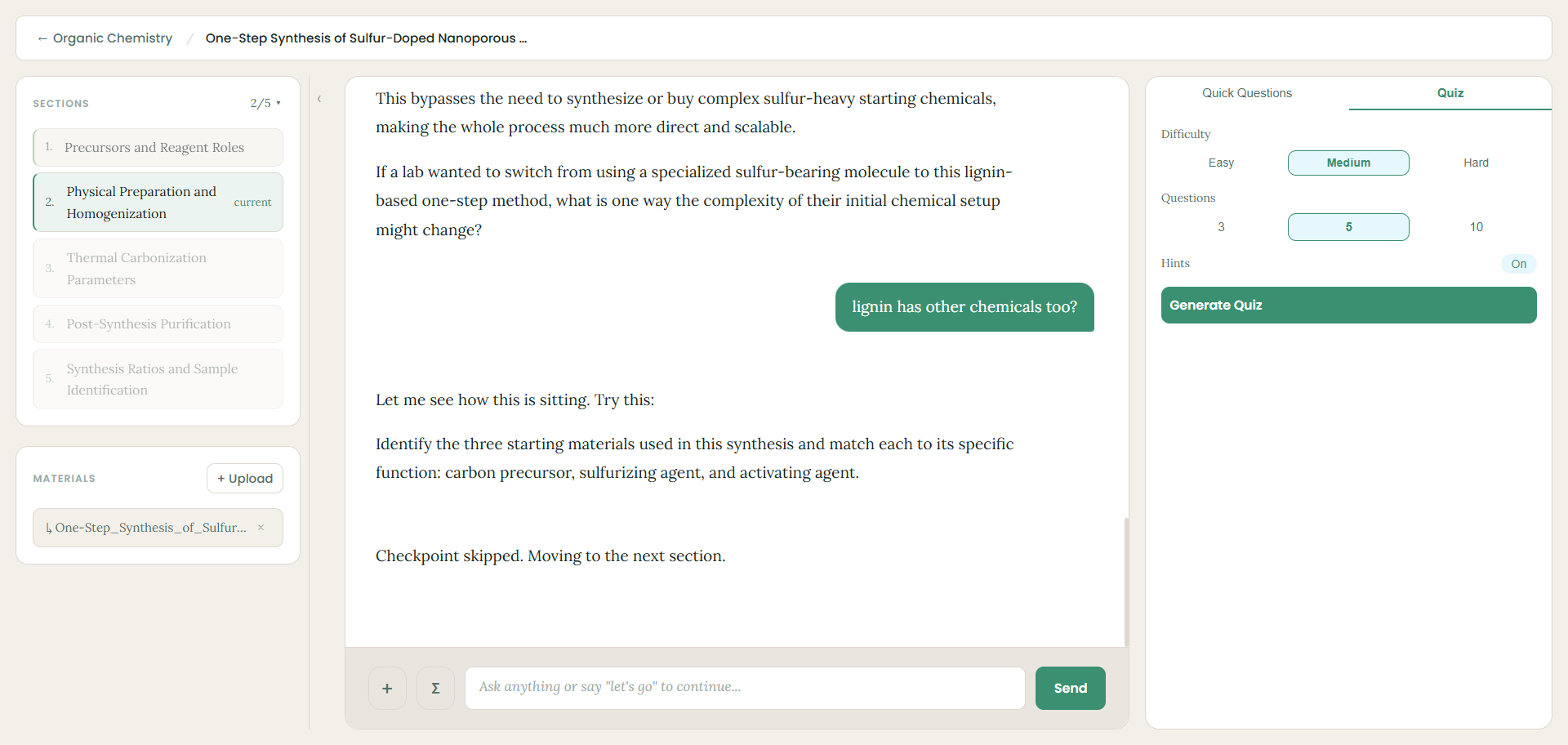
Test yourself with a quiz
When you're ready, switch to the Quiz tab, pick your difficulty and number of questions, and generate a quiz to see how much stuck with you.
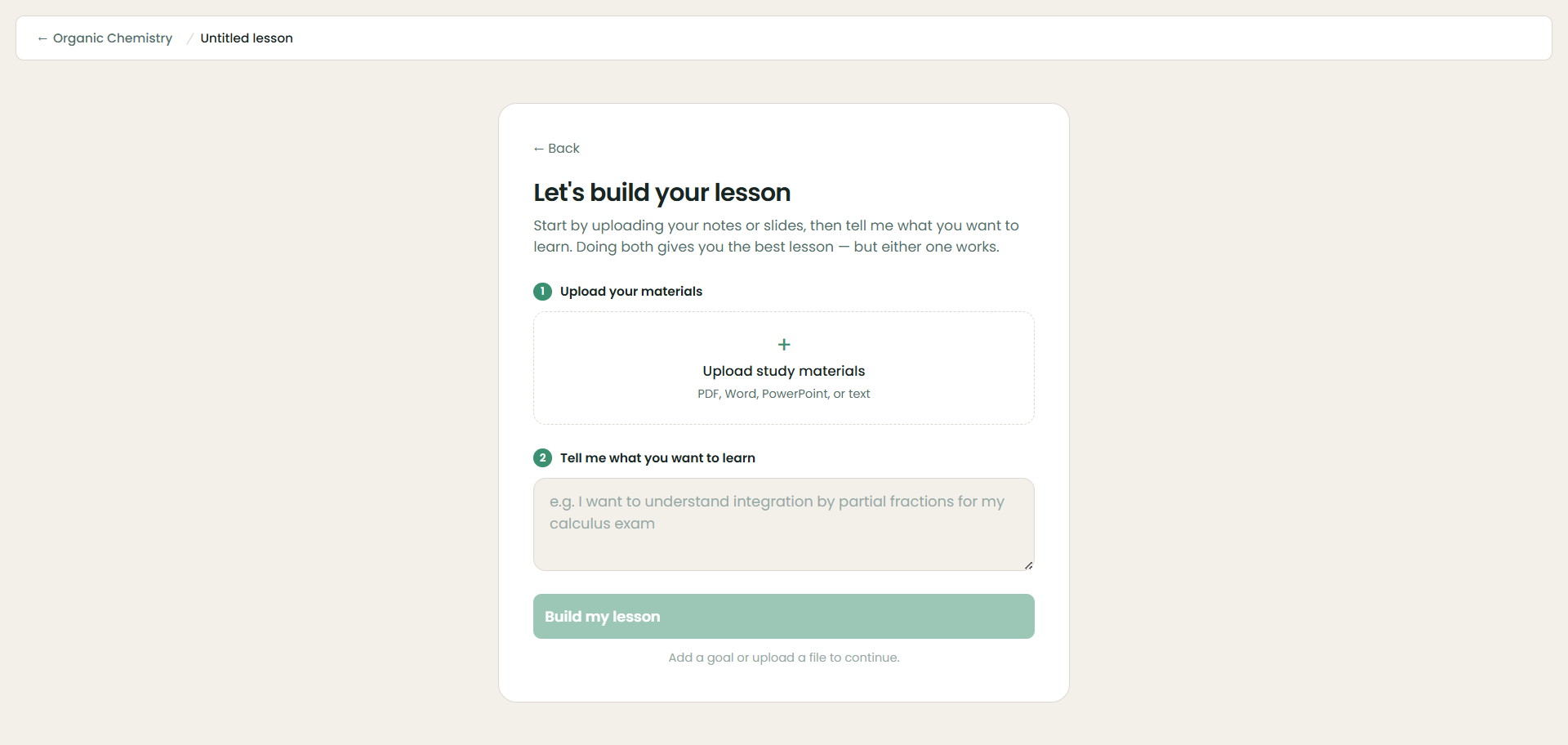
For STEM: a built-in scientific keypad
Studying math, physics, or engineering? Tap the Σ button to open a scientific calculator keypad — with tabs for Basics, Calculus, Functions, Vectors, and Greek — so you can type integrals, derivatives, limits, and other notation right into your answers without hunting for symbols.